 Mehdi Abaakouk
Friends Don’t Let Friends Use :latest
Floating versions like :latest, ^, and ~ promise convenience but deliver broken builds, hidden regressions, and supply chain risks. Here we explain why they undermine reproducibility and security and shows how to pin GitHub Actions, Docker images, and dependencies safely.
Every engineer has seen it: no code changes, yet your CI pipeline fails. Or worse: the deploy “works,” but today’s container image isn’t the same as yesterday’s.
The culprit? :latest.
It feels convenient, but in reality :latest means: “trust the internet not to change under you.” That*’*s a gamble no production system should make.
Why People Use :latest (and Floating Versions)
Well, it feels convenient. Why pin when you can just grab the newest?
# GitHub Actions
uses: actions/checkout@v4    # or worse: @latest

# Dockerfile
FROM node:20-alpine

# package.json
dependencies: {
  "debug": "^4.3.0"
}
It works… until it doesn’t.
The Reliability Problem
The most common failure mode is when the build breaks for no reason. You didn’t touch the repo, but the upstream maintainers did.
- GitHub Actions: Maintainers push a breaking change to
@v4. Suddenly your CI is red. - Docker images:
python:3.11tag moves to a new Debian release; your build breaks onpsycopg2. - Packages: A patch release includes a regression; your app misbehaves in prod.
You end up debugging someone else’s Tuesday.
The Security Problem (a.k.a. Supply Chain Attacks)
Convenience is one thing. But :latest is also a security risk. When you don’t pin, you’re effectively giving strangers commit access to your pipeline.
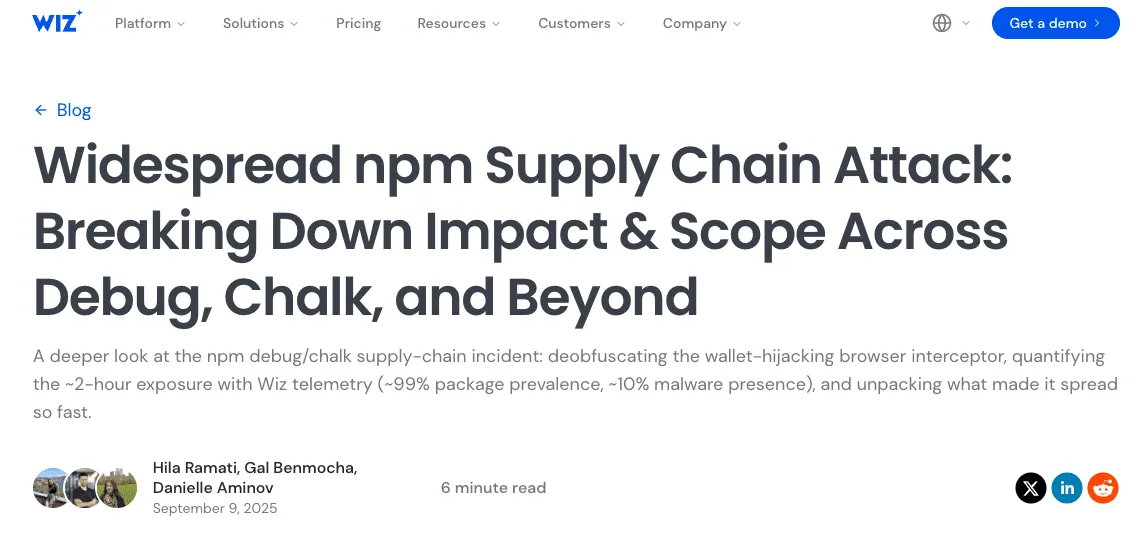
Take a recent example: in September 2025, attackers phished the npm credentials of a maintainer (qix) and published malicious updates to 18 popular packages, including debug, chalk, and ansi-styles. Together, these libraries see 2.6 billion weekly downloads. The injected malware hooked into browser APIs (fetch, XMLHttpRequest, window.ethereum) to steal cryptocurrency. The poisoned versions were online for only about two hours — but that was long enough for thousands of builds worldwide to ship compromised code silently.
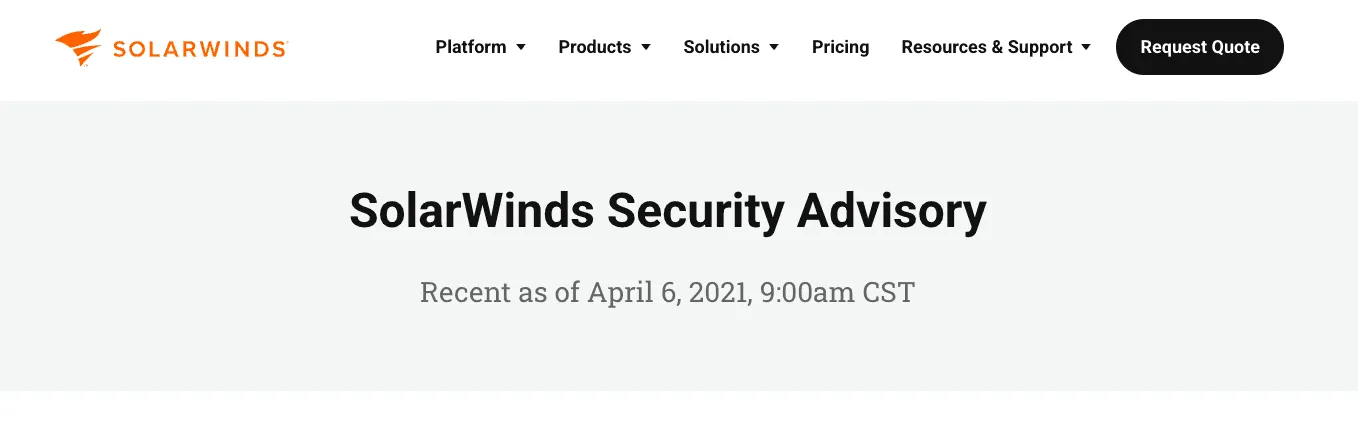
The risks of trusting upstream aren’t theoretical. The infamous SolarWinds breach in 2020 compromised the build system of a major software vendor, inserting backdoors into signed updates that were then shipped to 18,000+ customers, including U.S. government agencies and Fortune 500 companies. While SolarWinds wasn’t about :latest tags or lockfiles, the lesson is the same: when your pipeline pulls unpinned, mutable code from the internet, you’re outsourcing trust to whoever controls that supply chain today. And if they get compromised, so do you.
:latest doesn’t just mean surprises. It means you’re running code you didn’t audit, pushed by whoever controlled the account this morning.
How to Pin Everything
So what’s the fix? The answer isn’t to stop using Actions, Docker, or packages. It’s to take control over what you’re running. Instead of pulling moving targets from the internet, you pin dependencies to exact, immutable versions and let automation help you keep them fresh.
Here are the main areas to watch — and how to pin them safely:
1. GitHub Actions → Pin by Commit SHA
# ❌ mutable tag
uses: actions/checkout@v4

# ✅ immutable commit
uses: actions/checkout@b4ffde65f46336ab88eb53be808477a3936bae11
Tags are mutable; SHAs aren’t. Use Dependabot or Renovate to bump SHAs with reviewable PRs.
2. Docker Images → Pin by Digest
# ❌ mutable tag
FROM node:20-alpine

# ✅ immutable digest
FROM node@sha256:7b1e...deadbeef
You can fetch the digest with [docker buildx imagetools inspect](https://docs.docker.com/reference/cli/docker/buildx/imagetools/inspect/). Renovate can keep digests fresh with safe PRs.
3. Packages → Use Lockfiles and Exact Versions
// ❌ floats
"dependencies": {
  "debug": "^4.3.0",
  "chalk": "~5.3.0"
}

// ✅ pinned
"dependencies": {
  "debug": "4.3.6",
  "chalk": "5.3.0"
}
Commit your yarn.lock, package-lock.json, or poetry.lock. Install with --frozen-lockfile or npm ci so CI fails if the lock drifts.
And don’t allow code or scripts that bypass the lockfile entirely. A raw command like pip install requests or npm install -g foobar skips your dependency policy and reintroduces drift.
If it’s not pinned in a manifest + lockfile, it shouldn’t be in your pipeline.
4. Enforce It in CI
People forget; CI doesn’t.
- actionlint: fail if Actions aren’t pinned to SHAs.
- hadolint: flag
:latestin Dockerfiles. - pre-commit hooks: grep for unpinned refs, example:
repos:
  - repo: https://github.com/pre-commit/pre-commit-hooks
    rev: v6.0.0
    hooks:
      # Prevent "latest" in Dockerfiles
      - id: check-latest
        name: forbid :latest in Dockerfile
        entry: grep -n ":latest"
        language: system
        files: ^Dockerfile
        exclude: ".*# allow-latest"

      # Prevent unpinned GitHub Actions
      - id: floating-gha
        name: forbid floating GitHub Actions
        entry: grep -n "uses: .+@[a-zA-Z0-9_.-]*$"
        language: system
        files: ^.github/workflows/

      # Ensure lockfiles is committed
      - id: check-lockfile-present
        name: check lockfile present
        entry: ls poetry.lock
        language: system
pass_filenames: false- static analysis: forbid untracked installs like
pip install …ornpm install -g …
5. Automate Safe Updates
There’s no excuse not to pin these days. Tools like Dependabot and Renovate make it painless. They open PRs that:
- bump Action SHAs
- refresh Docker digests
- update lockfiles
Pinning doesn’t mean you freeze forever: it means you upgrade on your terms. Every update is explicit and reviewable, no surprises.
And here’s another best practice: don’t merge non-security updates immediately. Wait a couple of days. If there’s a bad regression, the community will find it first. Security patches? Apply fast. Everything else? Let it bake.

Two Real-World Examples
- Action drift:
actions/setup-node@v4changed cache behavior. Our CI times ballooned. Pinned to a SHA, upgrades only through reviewed PRs. No more surprises. - Docker tag swap:
python:3.11moved to a new Debian point release. Brokepsycopg2builds on arm64. Pinning to digest fixed it; Renovate now refreshes weekly.
The Lesson
Reproducibility isn’t a nice-to-have: it’s a safety feature. Security isn’t optional; it’s a feature.
Floating versions (:latest, ^, ~) give you neither.
At Mergify, we’ve stopped trusting anything that isn’t pinned: Actions by SHA, Docker by digest, dependencies by lockfile. Updates still happen — but on our terms, not upstream’s.
If you’re still running on :latest, you’re not just saving time — you’re borrowing risk.
Pin everything. Sleep better.